
If you have enough amount in your account that you want to withdraw, then follow the straightforward steps below:
- Open the QZ786 app.
- You will find the withdraw button in your profile. Open the withdraw section.
- Set a withdrawal password before starting the procedure. The password can not be 6 same or continuous numbers.
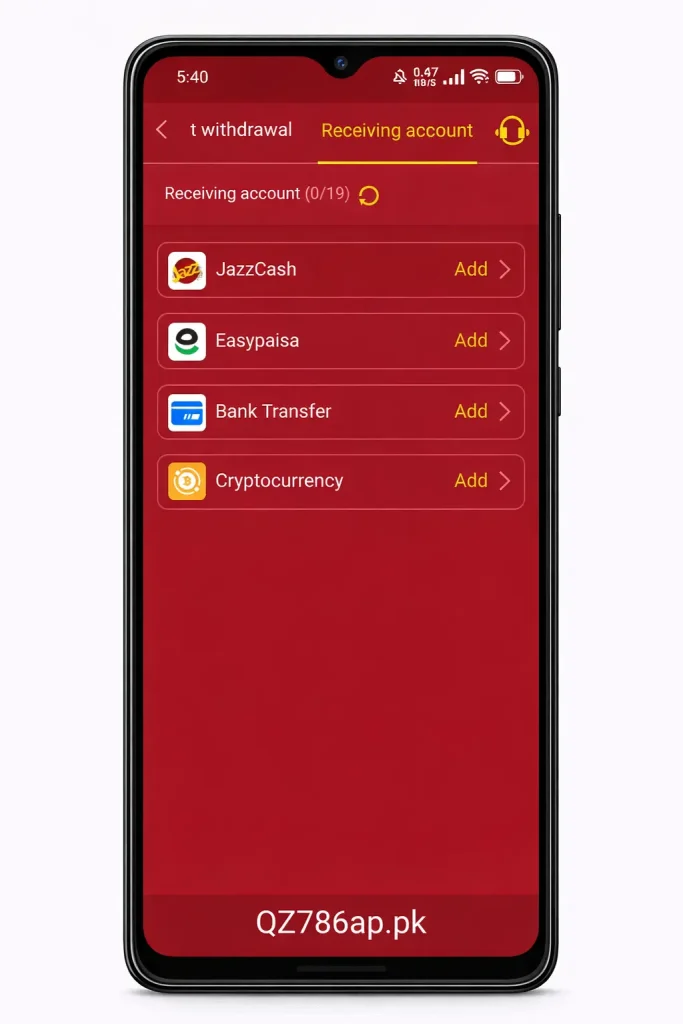
- Request withdrawal: add withdrawal account i.e JazzCash, Easypaisa, Bank Transfer or Cryptocurrency.
- Add withdrawal amount.
- Click on “Confirm withdrawal” button. You will get the amount into your account shortly.